Living Study Notes: Markdown, PDF and Source-Linked Flashcards in One Place
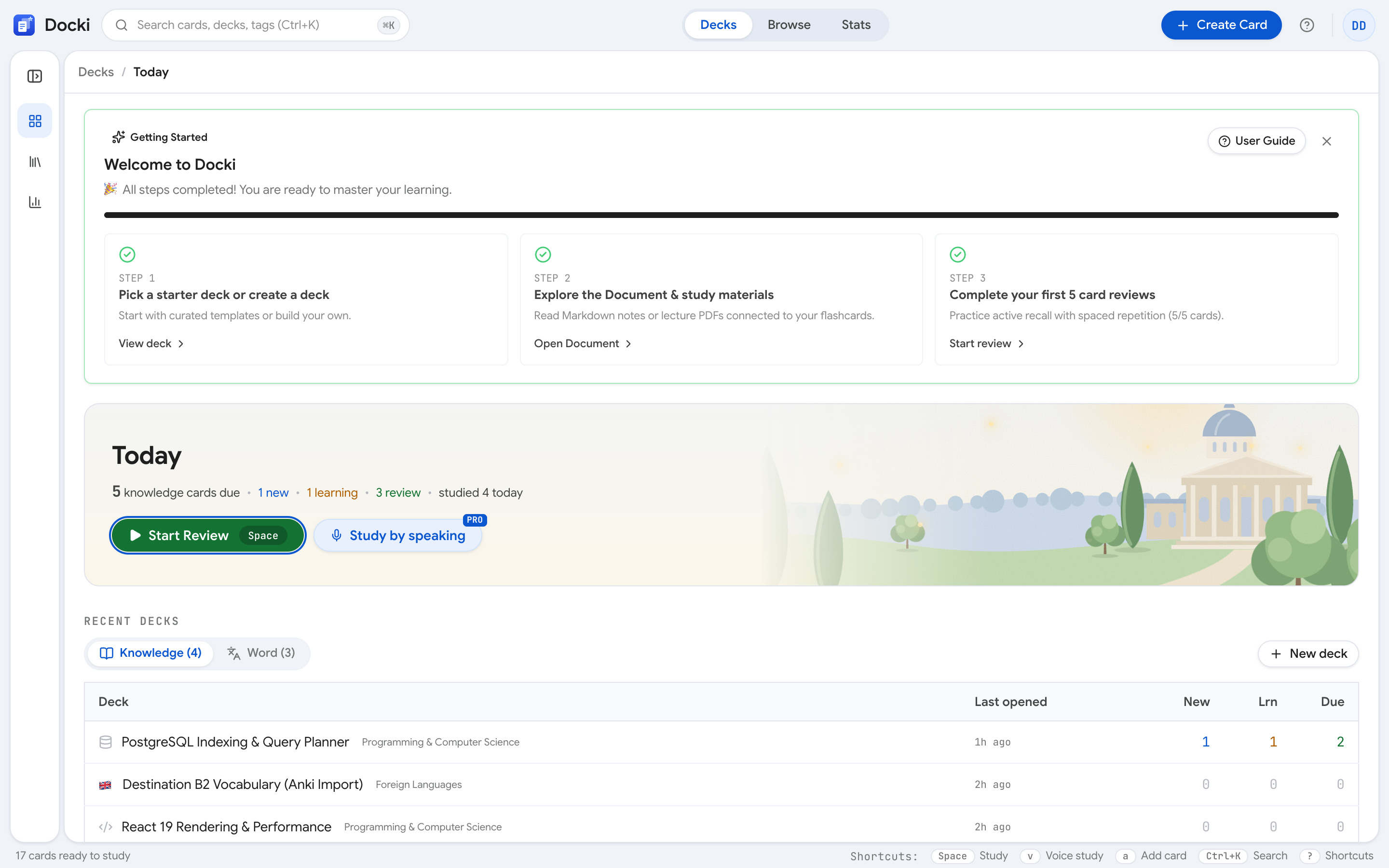
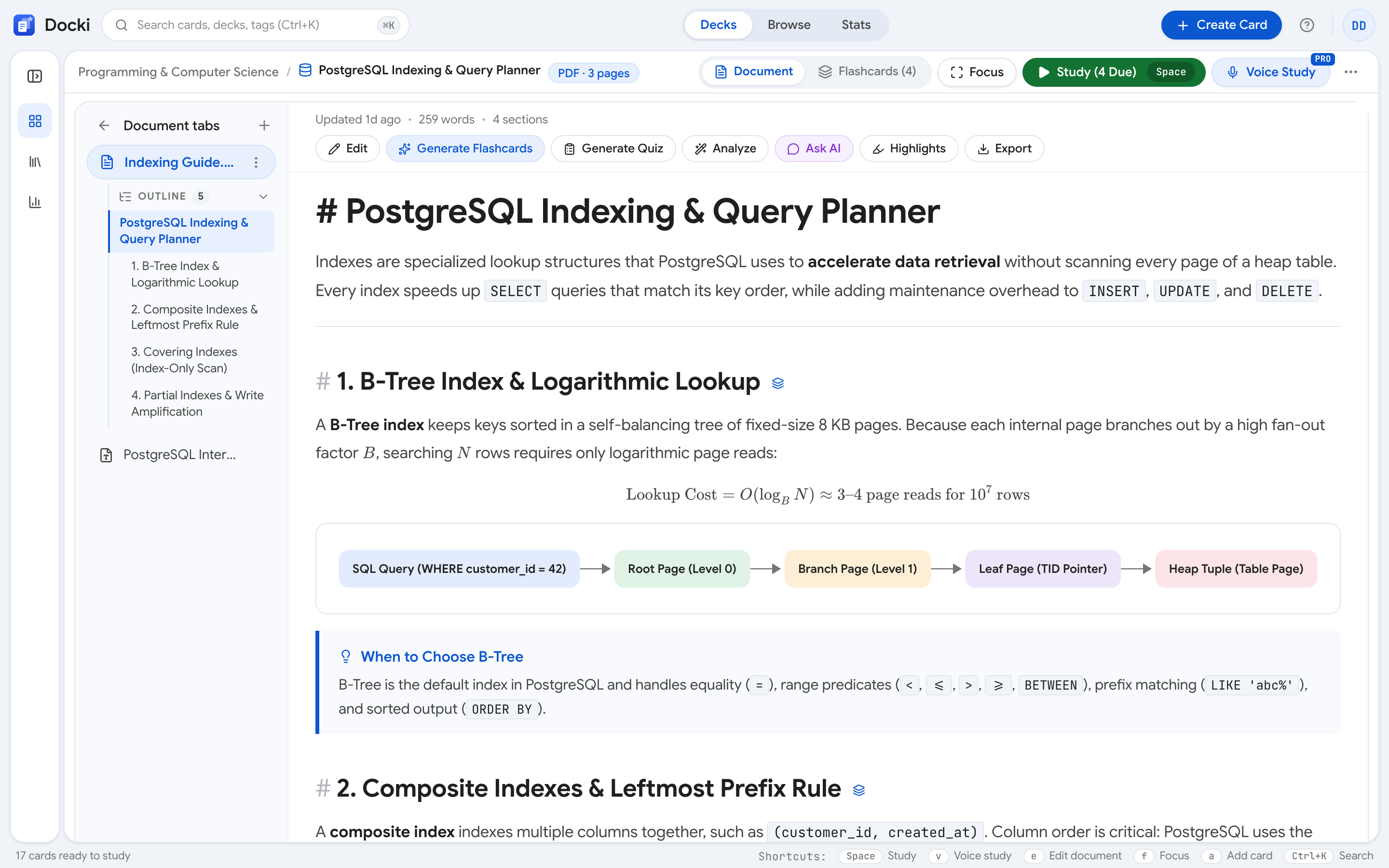
Read, annotate and make cards right on your Markdown or PDF. Every card remembers where it came from. Real screenshots inside.
Study more effectively with active recall, the FSRS algorithm and the help of AI.

Read, annotate and make cards right on your Markdown or PDF. Every card remembers where it came from. Real screenshots inside.

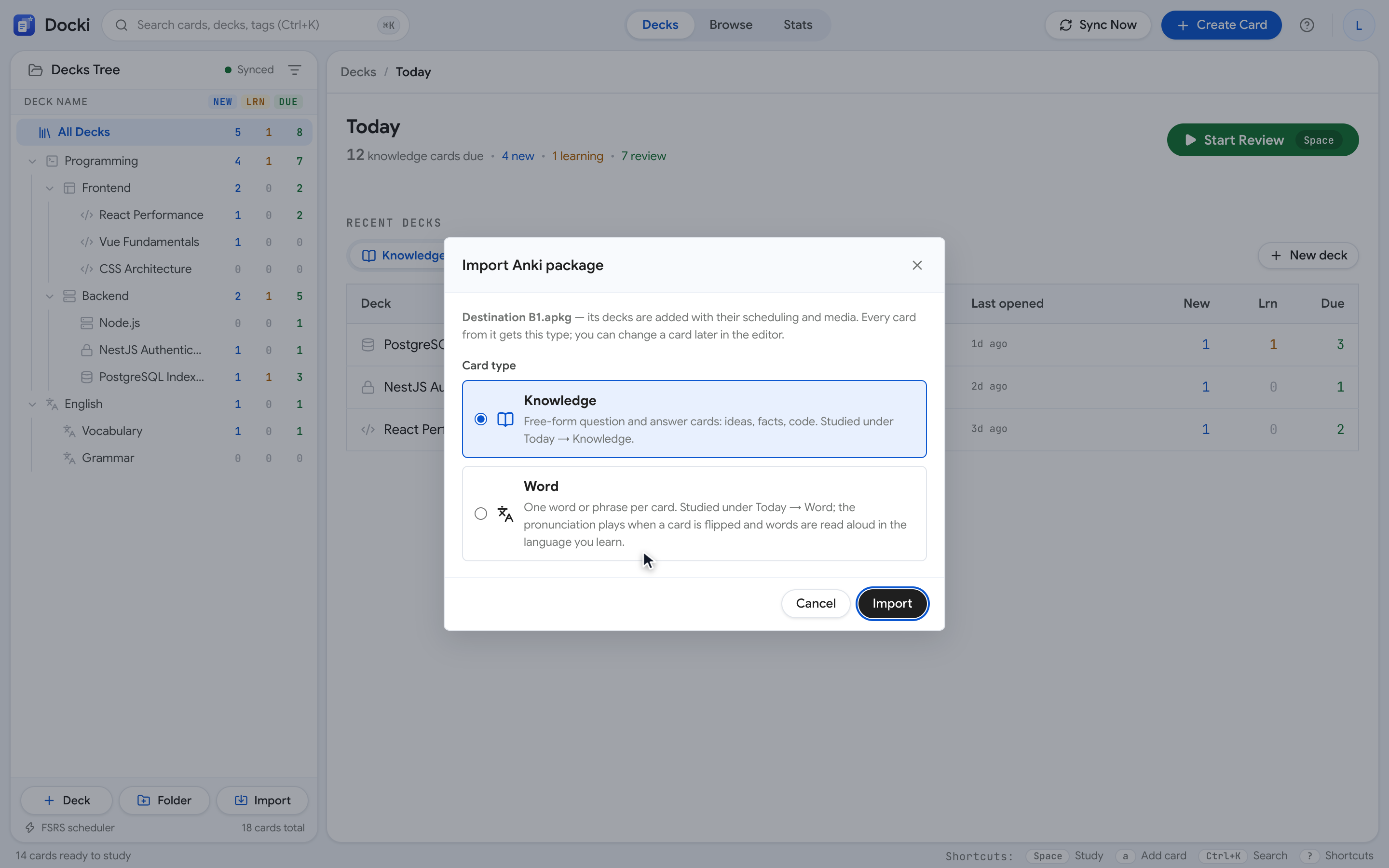
Import .apkg or .colpkg into Docki and keep images, audio, cloze and sub-decks. A step-by-step guide with real screenshots.

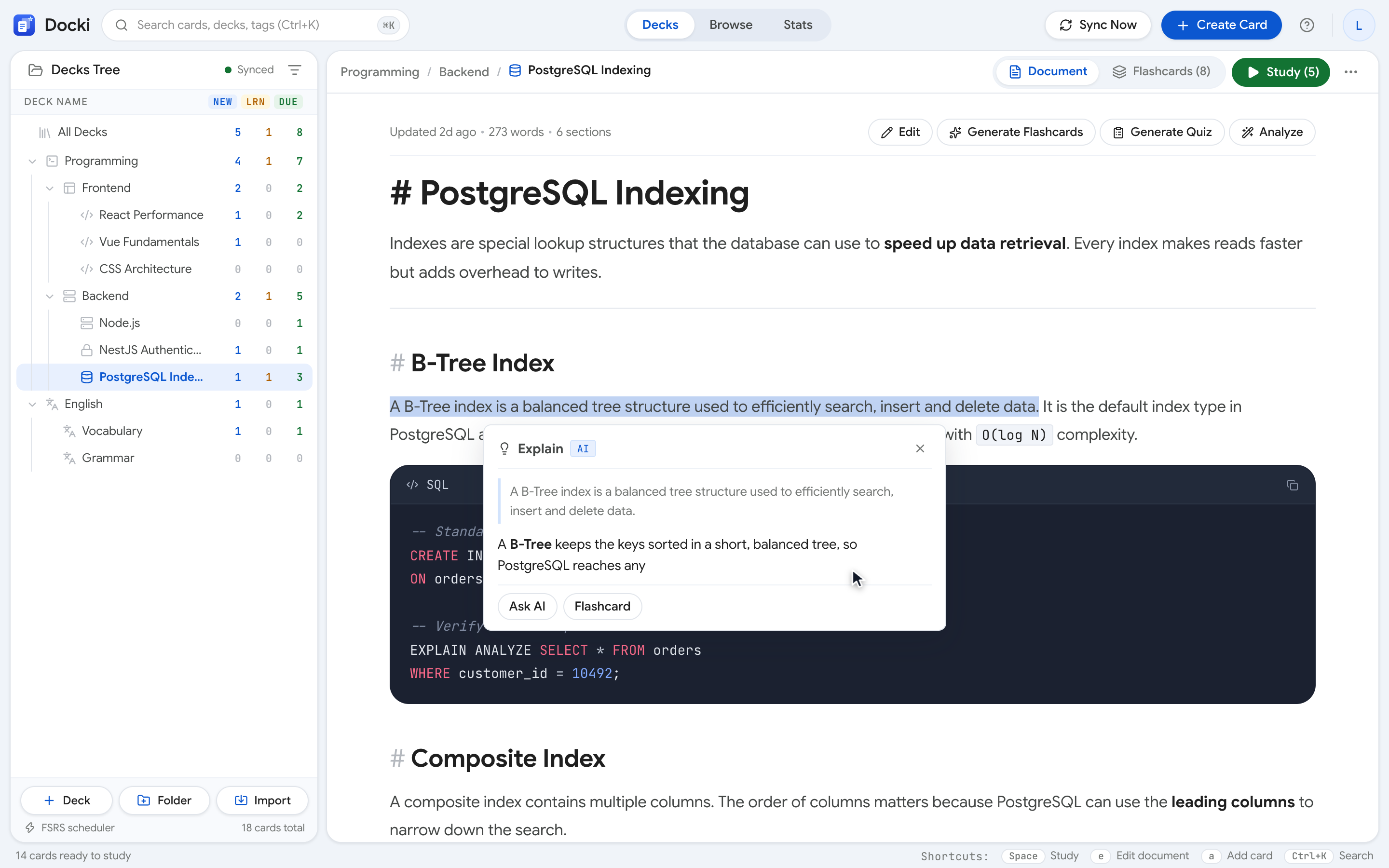
Select any passage and let AI explain, simplify, give examples, rewrite it or answer questions grounded in your own document.

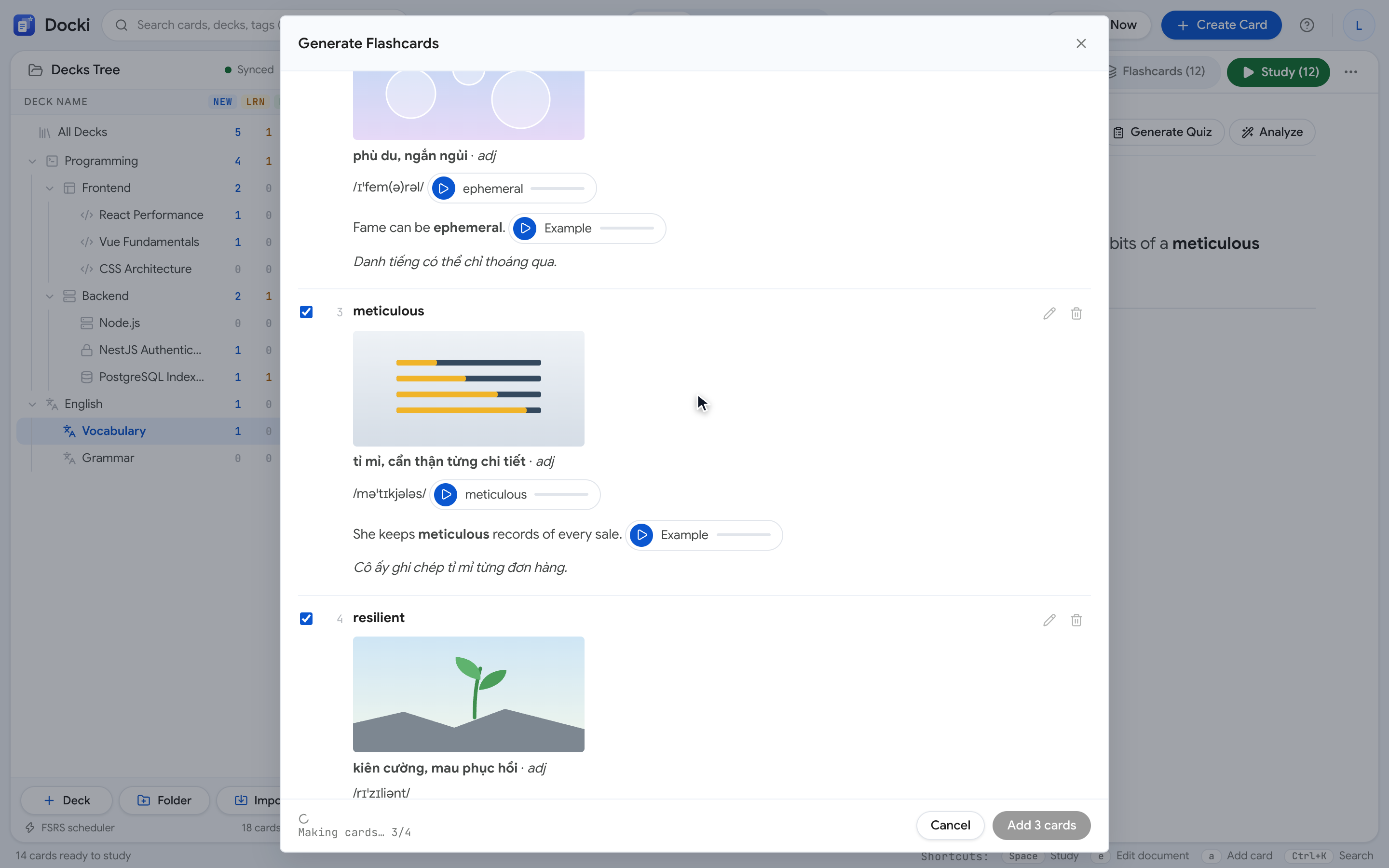
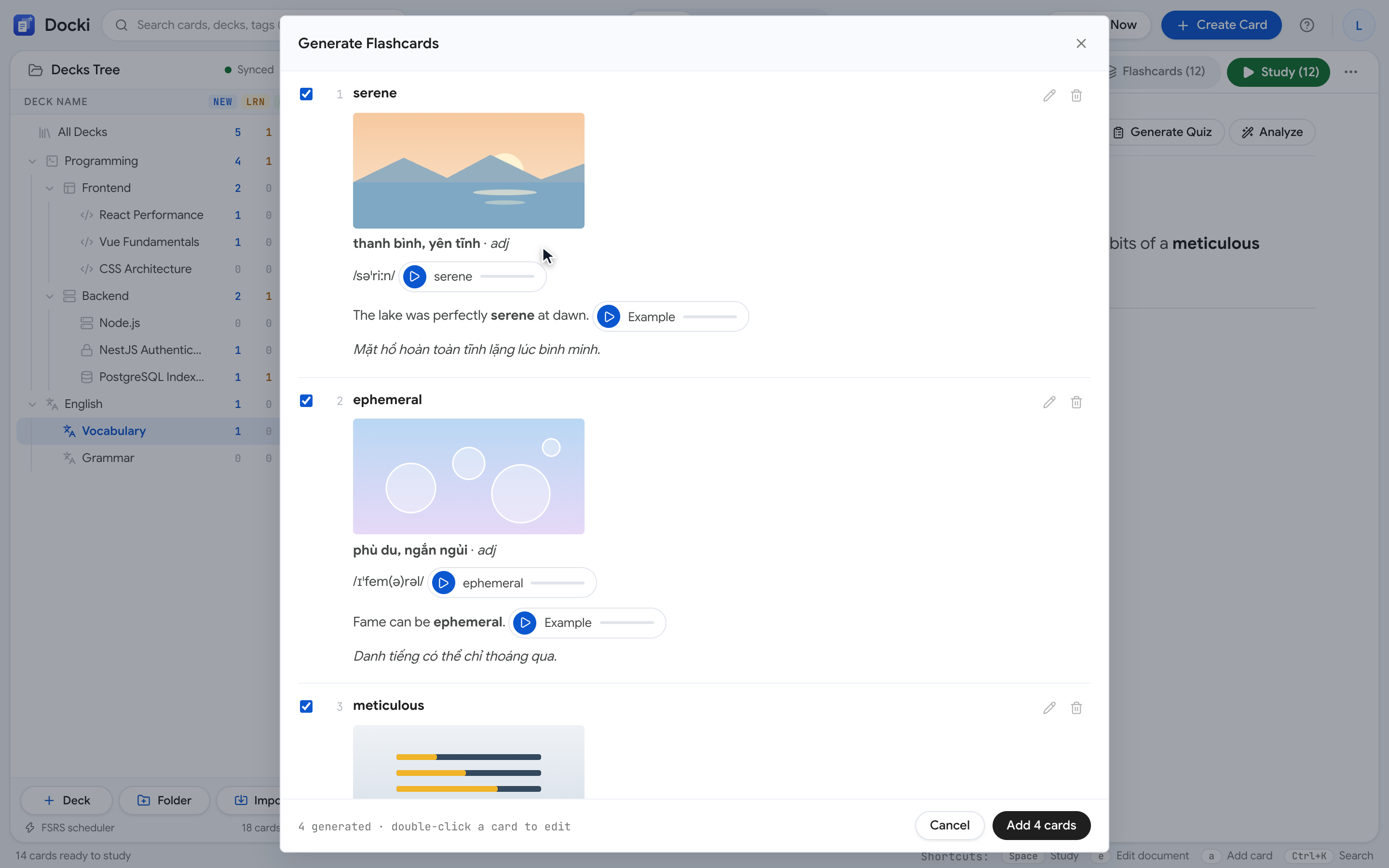
One complete loop: read a text, let AI pull the words, get cards with photo and audio, review on schedule and track progress.

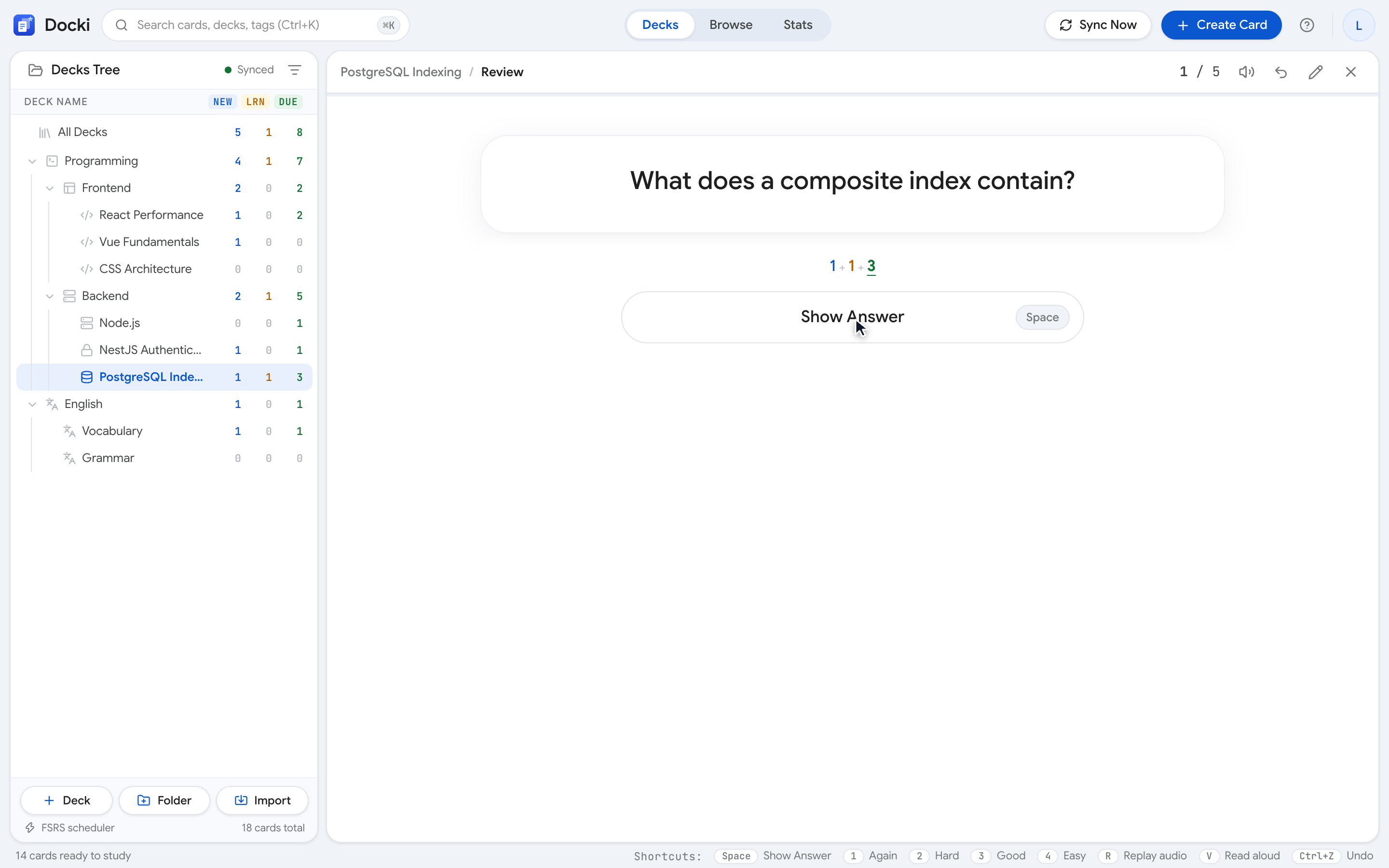
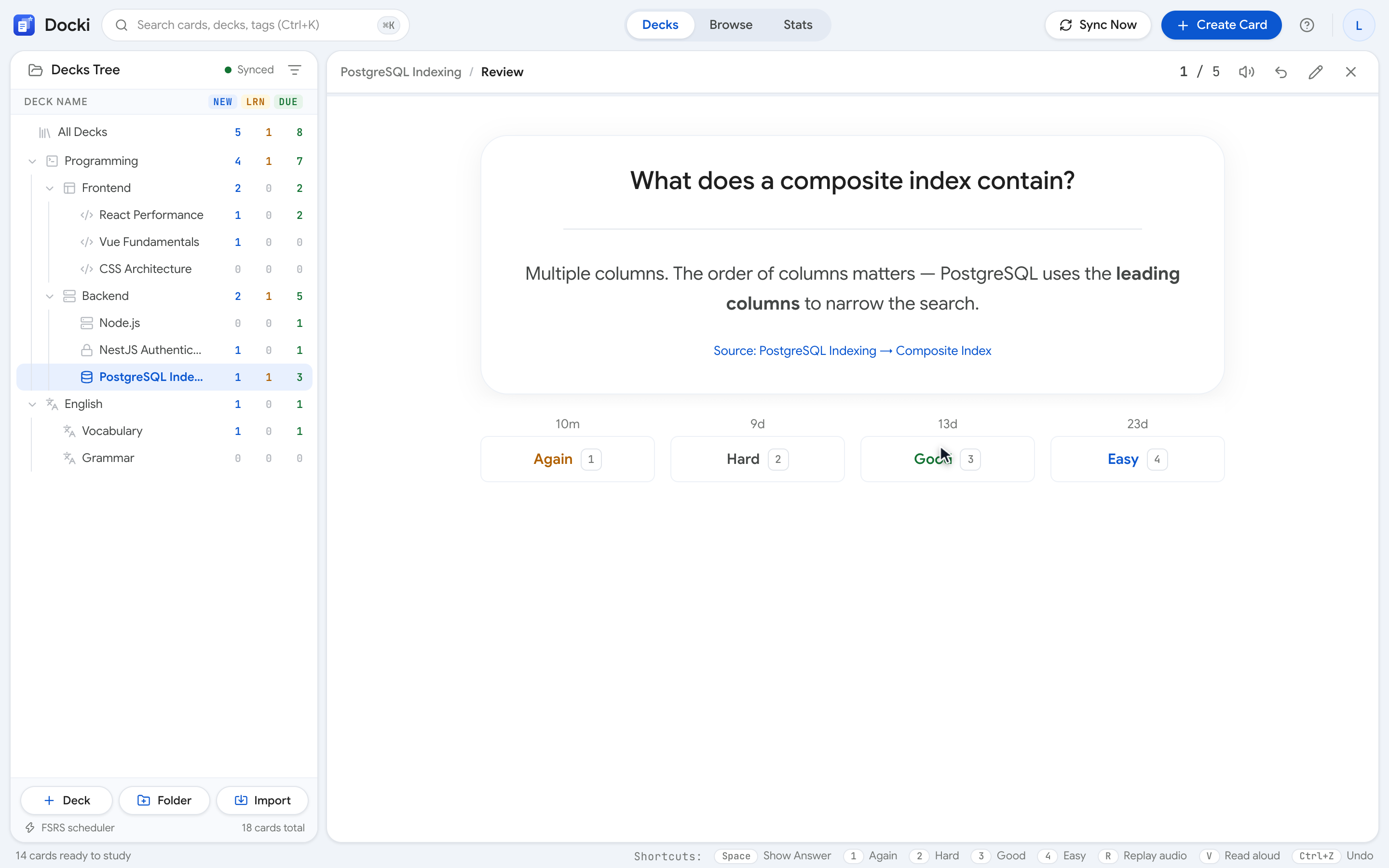
Rereading doesn't build memory; retrieval does. Five ways to practice active recall in Docki, with real screenshots.

Learn how to grade cards honestly, read the intervals on the buttons, set daily limits and track progress in Docki.

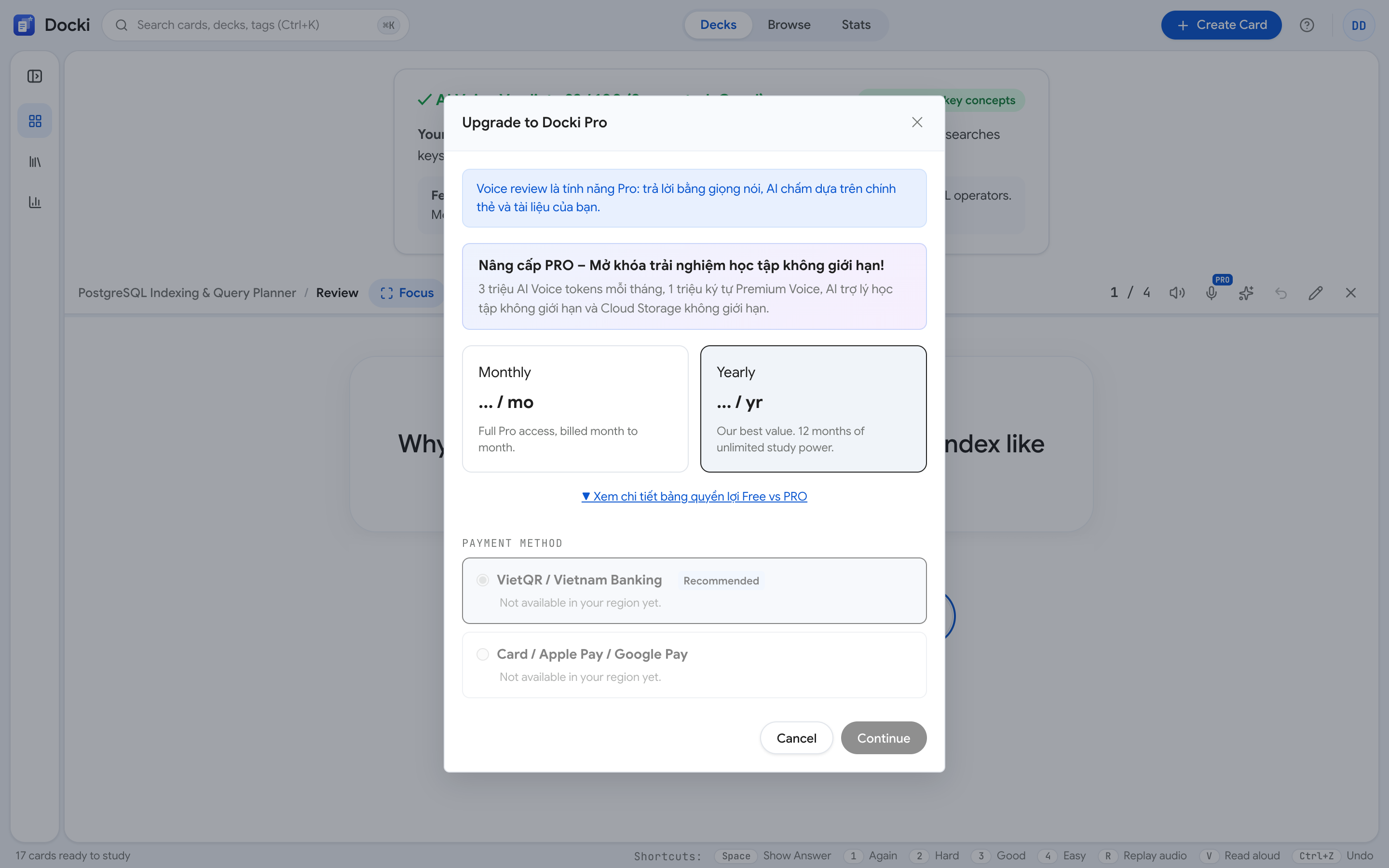
Speak instead of typing. Docki's AI grades your answer, reads you its feedback, and ends with a report of weak spots.

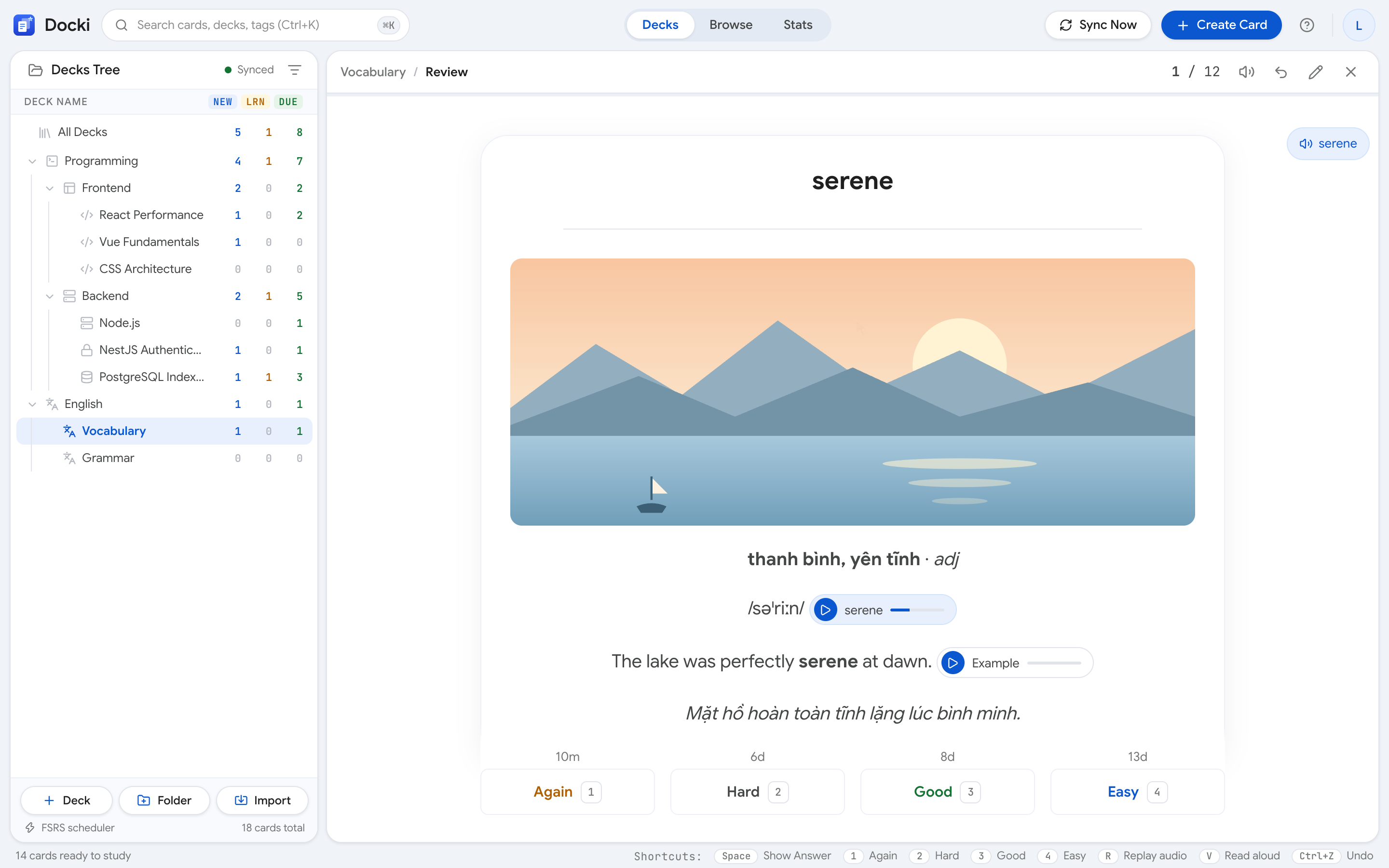
Every word card gets a real photo you can swap in one click. Why images help memory and how to use them in Docki.

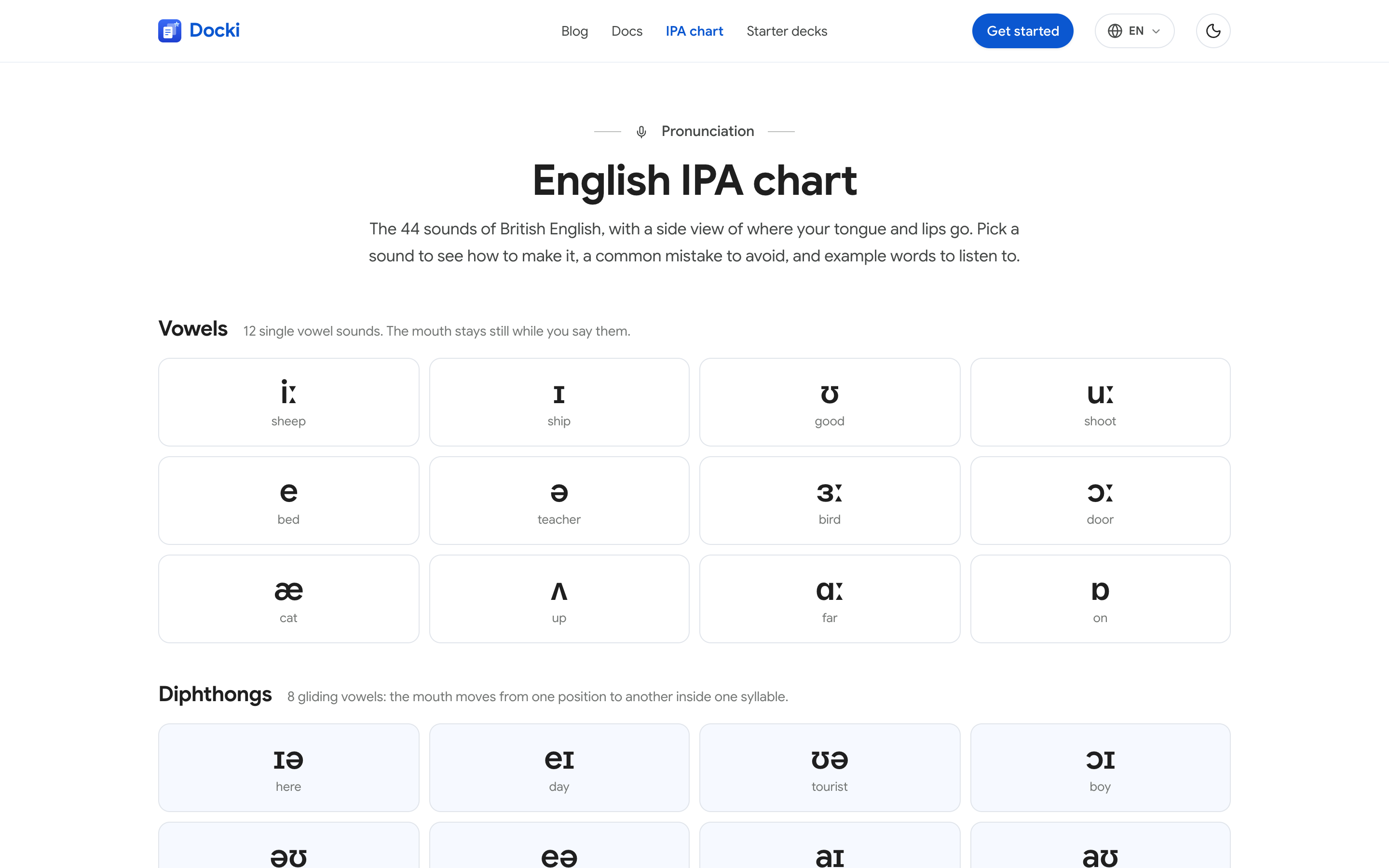
Every card plays the word and its example sentence, auto-plays on flip, and lets you change the voice. Plus a 44-sound IPA chart with mouth diagrams.

Docki pairs your study documents with FSRS flashcards and AI. See each feature in real screenshots, from word cards to voice review.

Paste a word list or let AI extract words from your reading. Docki builds cards with meaning, IPA, real photo, audio, and example.
Join thousands of learners using FSRS and smart documents on Docki, completely free.
Start for free