Active Recall Explained: 5 Ways to Practice It in Docki
Have you ever read a textbook chapter on cellular biology or modern history three times in a single evening, highlighted the key definitions in bright yellow, and closed the book feeling completely prepared — only to sit down at the exam the next morning and realize you cannot reconstruct the explanation from scratch?
Cognitive psychologists call this trap the illusion of competence (or fluency illusion). When your eyes scan a page you read ten minutes ago, the visual familiarity of the words triggers a warm sense of recognition: "Yes, I know this." Yet recognizing information when it is right in front of you and retrieving that same information from memory when the page is blank rely on fundamentally different neural processes.
That distinction is why active recall (known in cognitive science literature as retrieval practice) is the single most reliable habit for building durable knowledge. In this practical guide, we will briefly examine the science behind retrieval practice and walk through five concrete ways to make your brain work with active recall inside Docki — illustrated with real screenshots from a biology deck on Photosynthesis.
1. What Is Active Recall — and Why Does Rereading Fall Short?
Active recall is the practice of closing your source material and actively pulling an answer out of your own memory, rather than passively re-exposing your eyes to the text.
The Science: The Testing Effect
In a landmark 2006 study published in Psychological Science, Henry L. Roediger III and Jeffrey D. Karpicke compared students who studied prose passages under different conditions:
- Repeated study group (SSSS): Read the passage four separate times.
- Retrieval practice groups (SSRR / SRRR): Read the passage once or twice, then set it aside and spent the remaining sessions recalling as much as they could from memory.
When asked at the end of the session how well they would remember the material later, the students who reread four times felt significantly more confident. Yet when tested one week later, the results flipped: students who practiced active retrieval remembered far more of the material and forgot far less over the week than those who repeatedly reread.
Seven years later, John Dunlosky and colleagues (2013) published a comprehensive review in Psychological Science in the Public Interest evaluating ten popular study strategies. They rated practice testing (active recall) and distributed practice (spaced repetition) as the two highest-utility learning techniques across ages, subjects, and learners — while rating rereading, highlighting, and summarizing as low-utility habits.
Every time you force your brain to search for a trace in memory — even when retrieval feels slow and effortful — the act of retrieval modifies and strengthens the memory trace itself.
2. Why Flashcards Fail When You Flip Too Fast
Simply owning flashcards does not guarantee active recall. The most common way learners sabotage a flashcard deck is premature flipping: glancing at the question on the front, waiting less than a second, hitting Space to reveal the back, and thinking, "Right, I knew that."
Once your eyes see the answer on the back, retrieval is over — you have switched back to passive recognition. To keep your retrieval practice honest and varied, Docki gives you five distinct mechanisms to practice active recall across your decks and documents. Try the interactive demo below before we explore each method step by step:
Why do nerve impulses travel fast along myelinated fibres?
3. Five Ways to Practice Active Recall in Docki
Using a biology deck on Photosynthesis, let us look at the five ways you can put retrieval practice to work in Docki.
Way 1: Recall First, Flip Second with Clean Q&A Cards
When you start a review session (/decks/<id>/review), the front of a standard question-and-answer card strips away every distraction so your attention rests solely on the prompt:
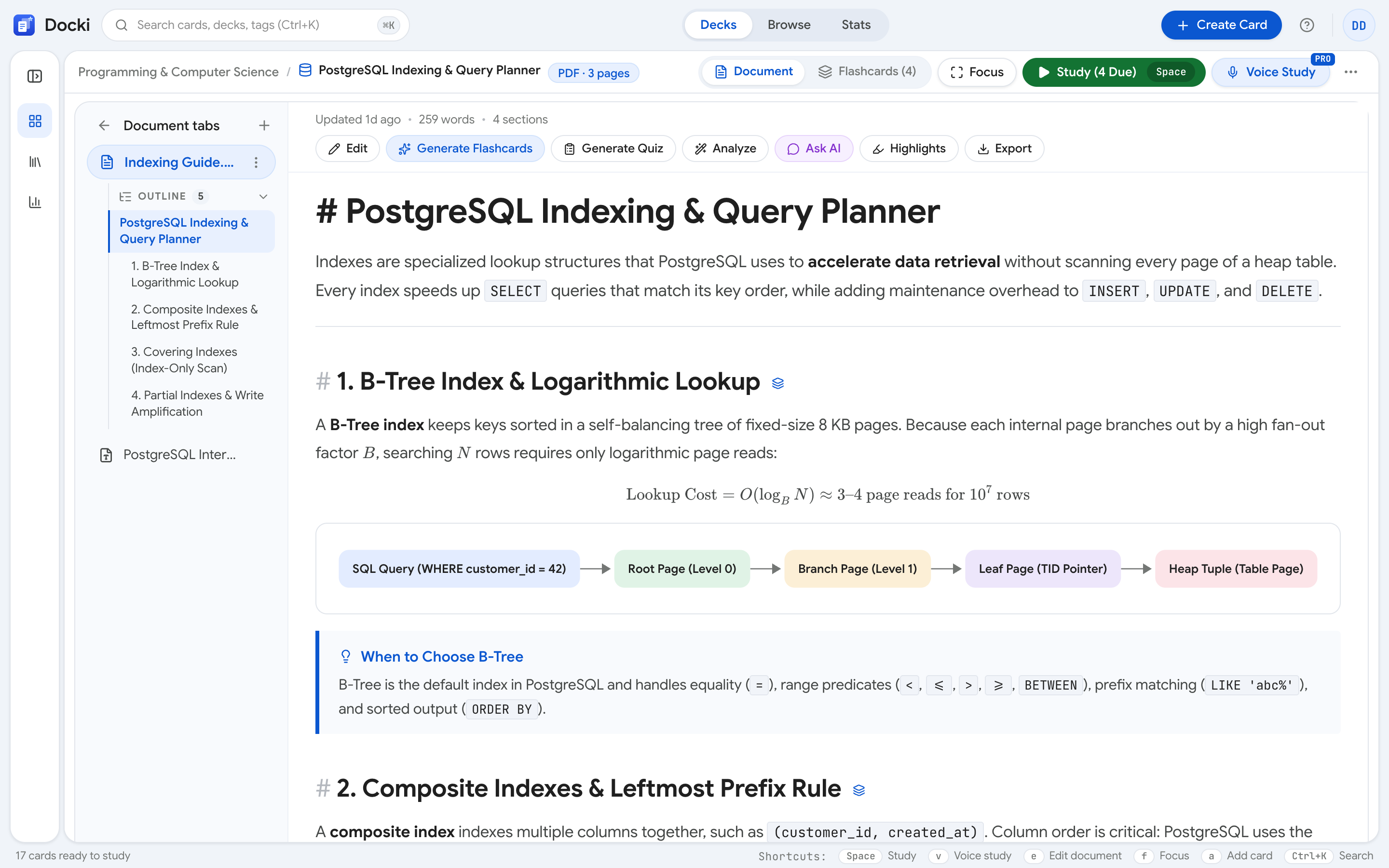 Figure 1: The front of a review card shows only the question. Formulate your complete answer before pressing Space.
Follow a strict three-step habit on every Q&A card:
- Read the question carefully.
- Produce a specific answer — either silently in complete sentences or out loud — before touching the keyboard.
- Press Show Answer (
SpaceorEnter) to flip the card and compare your mental answer against the back:
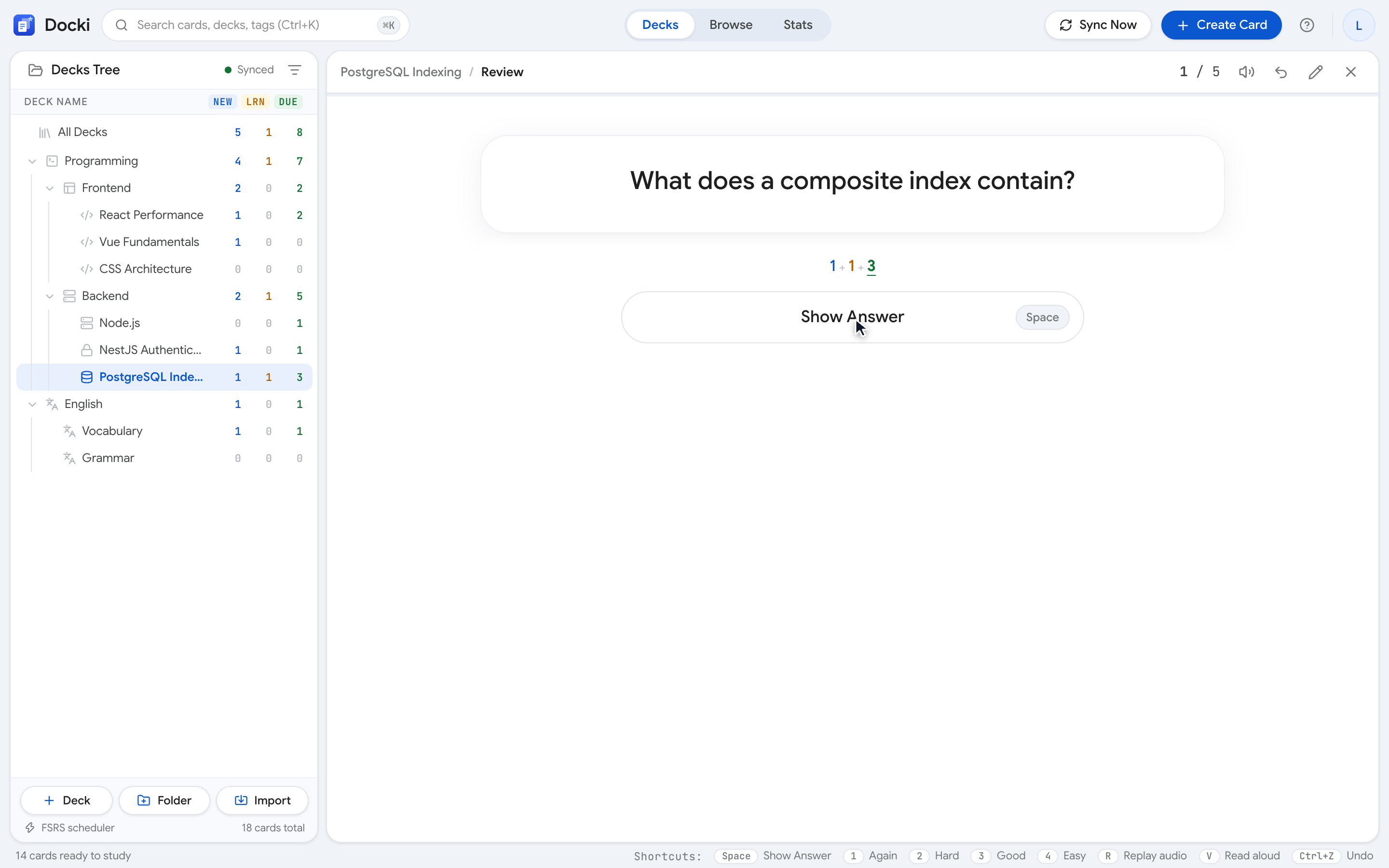 Figure 2: Pressing Space reveals the answer, a link back to the source heading in your Document, and the four FSRS grading buttons (Again · Hard · Good · Easy).
Way 2: Typed-Answer Cards with Character-by-Character Diffing
Mental recall is fast, but it lets your brain gloss over exact spelling, symbols, and terminology. When studying anatomical terms, chemical formulas, foreign vocabulary, or dates, thinking "something like thylakoid" is not enough.
In Docki, typed-answer cards (including Anki-compatible {{type:...}} cards and vocabulary cards) place a Type the answer input box right on the front of the card. You type your response and press Enter to check it:
 Figure 3: When your typed answer has a typo, Docki stacks your input above the expected answer and highlights the exact character differences.
As shown in Figure 3, Docki's character-level diff compares your typed string against the expected answer and highlights exact insertions, omissions, or substitutions. You cannot fool yourself into thinking you knew the exact spelling when a letter was missing.
Way 3: Cloze Deletions for Contextual Retrieval
Some concepts belong inside a complete statement or reaction pathway rather than an isolated question. Cloze deletion cards hide one or more key terms inside a sentence ([…]), asking your brain to reconstruct the missing link from the surrounding context:
 Figure 4: Cloze cards replace the target concept with a blank on the front and highlight the restored term in context when revealed.
Cloze cards keep reviews brisk and focused: instead of reciting an entire paragraph, you retrieve the exact mechanism, enzyme, or location that completes the scientific statement.
Way 4: Controlled Cues with Hint (H) and ✨ AI Hint
What should you do when an answer is right on the tip of your tongue, or a question feels slightly ambiguous? If you flip the card immediately, you forfeit the retrieval attempt. But if you receive a small, controlled cue that nudges your memory without giving away the answer, your brain still does the heavy lifting of retrieval.
Docki supports controlled hints in two ways:
1. Author-provided hints (the Hint button):
When a card has its own hint field (or on vocabulary cards, which offer a hint definition plus a first-letter pattern), click Hint at the top of the card or press H:
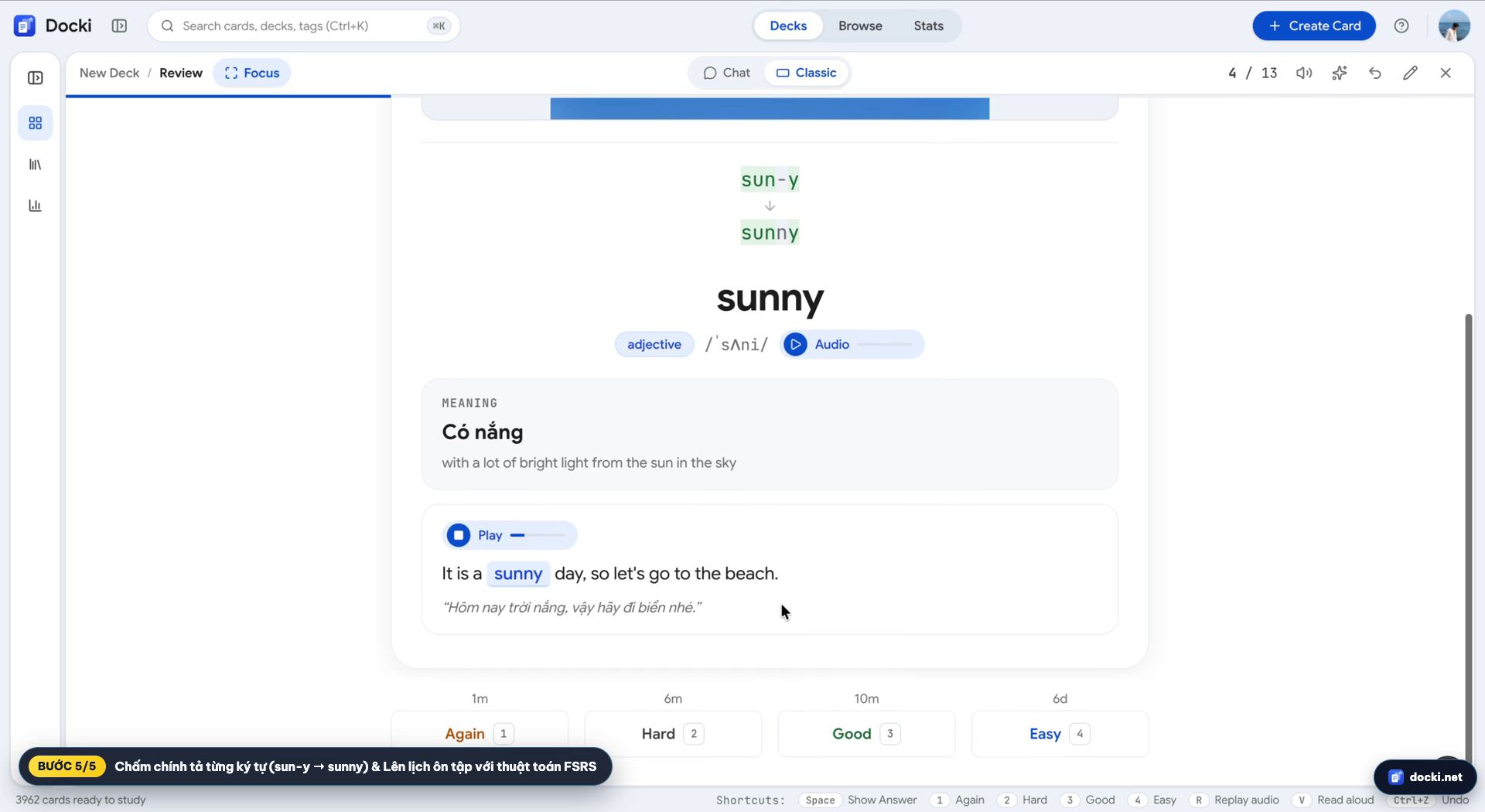 Figure 5: Press H on the front of a card to reveal its built-in hint without flipping the card over.
2. On-demand nudges for cards without a hint (the ✨ AI hint button):
Most knowledge cards you write quickly or import from existing decks do not have a manually written hint field. On the front of any knowledge card that lacks a hint, Docki shows an ✨ AI hint button (also triggered with the H key):
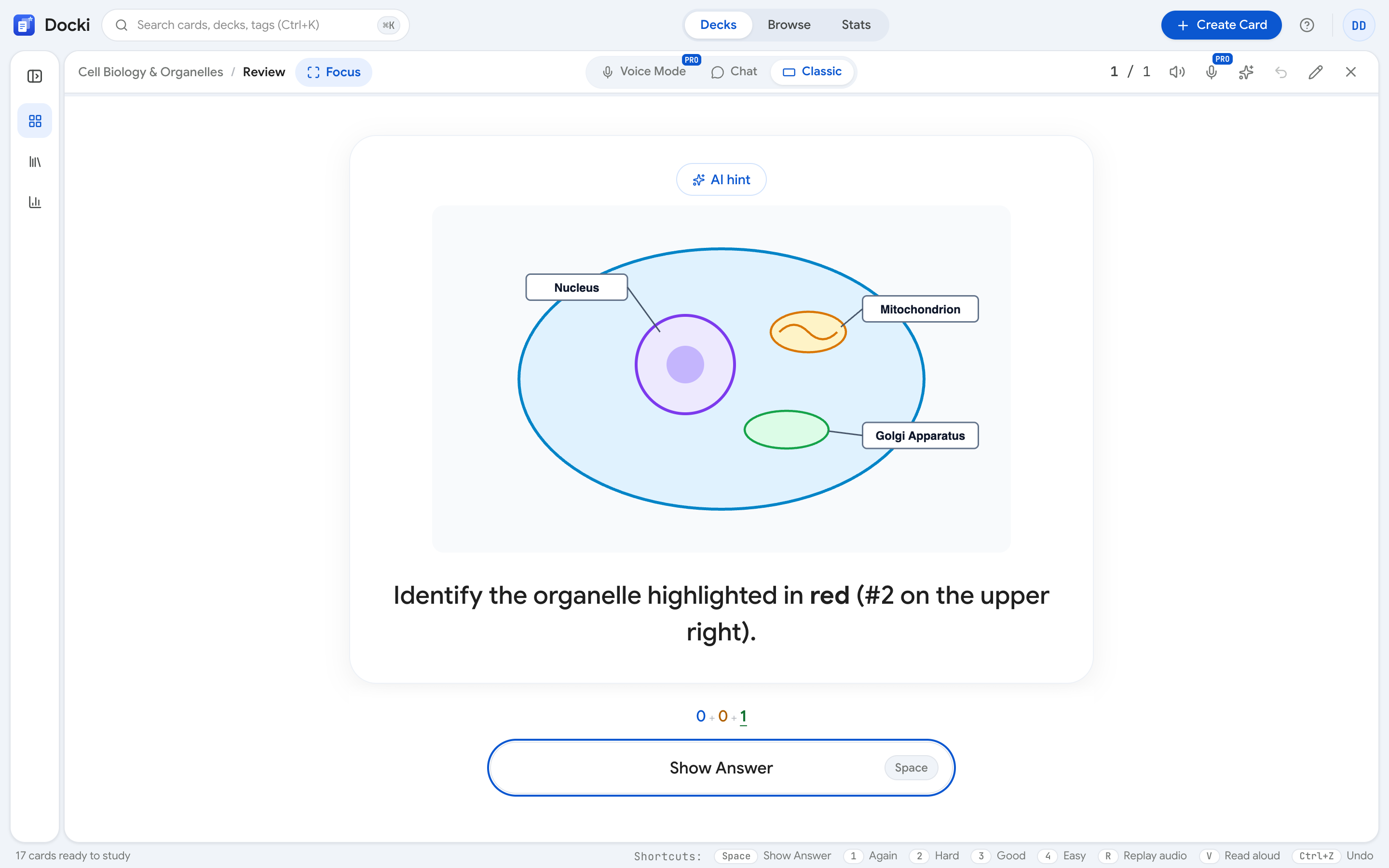 Figure 6: On knowledge cards without a manual hint, pressing H (or clicking ✨ AI hint) asks the AI for a conceptual nudge that never gives away the answer.
Crucially, both AI hint and the Ask AI sidebar respect your unrevealed card state:
- While the card is still on its front side (
!card.revealed), the AI is strictly instructed to provide a directional clue based on the question and answer without spoiling the target term. - Any AI hint generated during your session is cached in memory for that card, so toggling it open again costs nothing.
Way 5: Self-Testing from Your Notes with Generate Quiz
Active recall should begin even before you review flashcards. Right after reading a section in your deck's Document tab, you can test your comprehension across the entire note by opening Generate quiz:
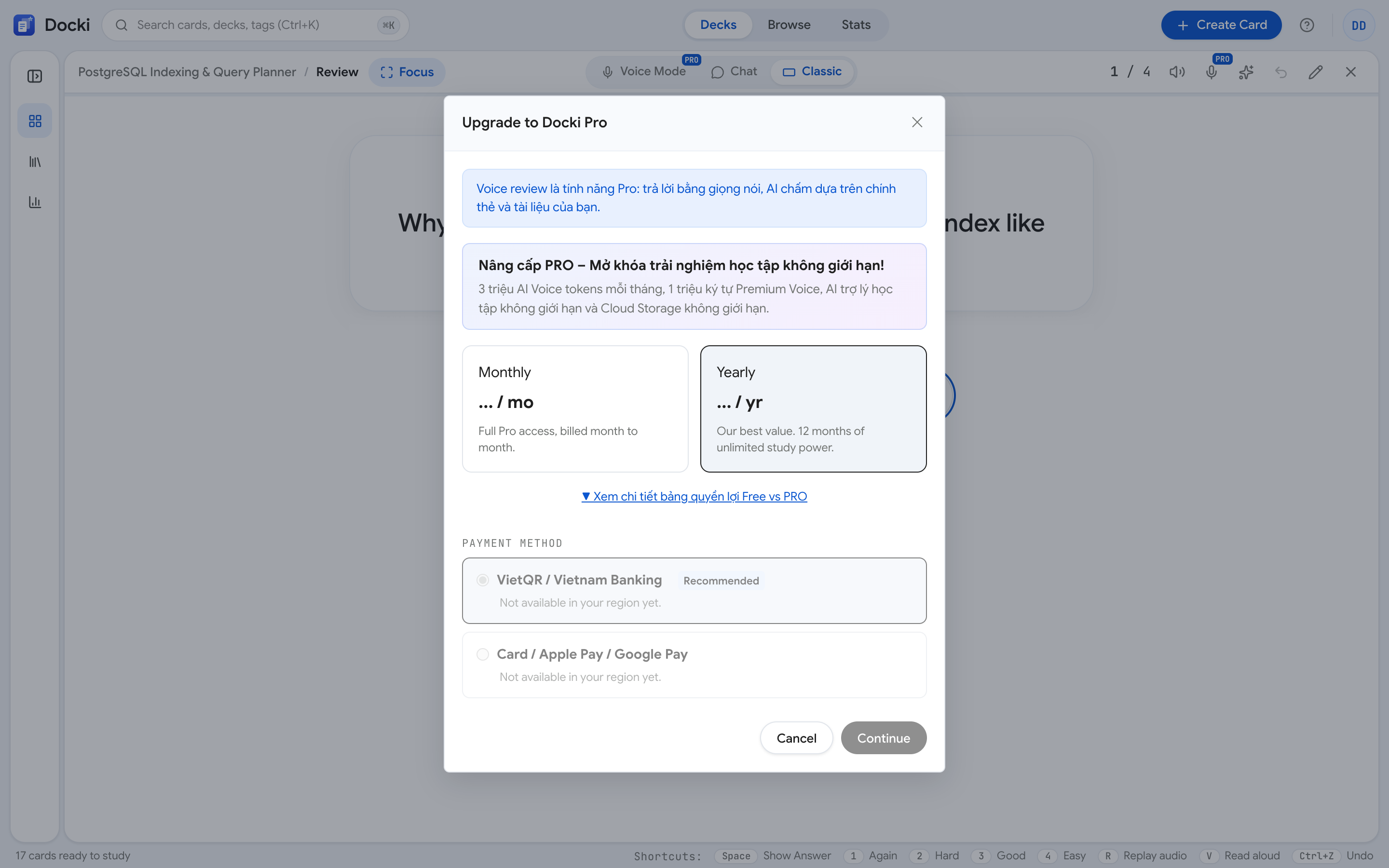 Figure 7: Open Generate quiz from your Document to build a practice test mixing Multiple choice, True/False, Fill in the blank, and Short answer questions.
Once you finish answering the quiz questions, Docki presents a diagnostic Quiz Complete breakdown organized by the headings of your document:
 Figure 8: The Quiz Complete screen groups document sections into Strong and Needs Review, letting you turn missed questions or weak sections into flashcards in one click.
- Strong vs. Needs Review: Instantly see which sections of your notes you genuinely understood and which sections need another look. Clicking any heading under Needs Review jumps straight to that section in your Document.
- Flashcards for weak areas: Instead of making cards for things you already know, click Flashcards for weak areas (or convert individual missed questions) so your spaced repetition deck focuses specifically on your blind spots.
4. Putting It Together: A 15-Minute Daily Active Recall Routine
Here is how to combine these five methods into a sustainable 15-minute daily study session:
| Time Block | Action in Docki | Active Recall Method Used |
|---|---|---|
| Minutes 1–5 | Read one new section in Document (once, without rereading) | Run a 5-question Generate quiz to test immediate recall (Way 5) |
| Minutes 6–8 | Convert missed quiz items and Needs Review headings into cards | Create focused Q&A, Cloze, and Typed-Answer cards (Ways 2 & 3) |
| Minutes 9–15 | Open Today and click Start Review for due cards | Formulate answers before pressing Space (Way 1); use Hint / AI hint (H) only when stuck (Way 4) |
For knowledge decks, you can take active recall a step further by clicking Study by speaking (or pressing V) to answer cards out loud into your microphone and receive instant AI feedback. (Note: Voice Study is available for knowledge decks only, not vocabulary decks; for vocabulary decks, Docki attaches real photos from stock libraries like Pexels, Pixabay, and Openverse and pairs audio with typed-answer recall.)
5. Common Active Recall Mistakes to Avoid
- Grading a card "Good" after using a hint: If you needed Hint or AI hint (
H) to pull the answer out of memory, grade the card Hard (2) or Again (1) so you practice unaided retrieval sooner. - Reaching for the hint after two seconds: Give your brain at least 5–8 seconds of genuine effortful search before pressing
H. That struggle is where memory consolidation happens. - Overloading the back of a card: If a card's back contains an entire paragraph, split it into two or three atomic Q&A or Cloze cards so you can verify retrieval cleanly.
6. Frequently Asked Questions (FAQ)
How is active recall different from spaced repetition?
Active recall is how you engage with a piece of information during a study attempt (retrieving it from memory rather than rereading it). Spaced repetition (powered by FSRS in Docki) is when you schedule those retrieval attempts over days, weeks, and months.
Which cards work best as typed-answer cards?
Use typed-answer cards for precise, short responses where exact spelling or notation matters — such as vocabulary words, scientific terms, chemical formulas, or commands. Use standard Q&A cards or Voice Study for conceptual explanations where wording can vary.
Does ✨ AI hint give away the answer on the back?
No. When triggered on the front of a knowledge card, AI hint generates a brief conceptual clue that points you in the right direction without naming the answer itself.
7. Start Practicing Real Retrieval Today
Moving from passive rereading to active retrieval is the single highest-leverage change you can make to how you study.
- 👉 Test active recall right in your browser: Try a ready-made deck at /starter — no account required to preview.
- 👉 Read the companion guide next: Now that you know how to test yourself on each card, read Spaced Repetition in Practice: When to Press Again, Hard, Good or Easy to master daily scheduling.
- 👉 Related guides in this series:
Put this method to work in your own studying
Create study documents, extract flashcards with AI and review with FSRS spaced repetition on Docki, completely free.
Start for free